
Built for brokerage companies
Open PMEX accounts. Without the friction.
A secure, white-label digital account-opening experience that helps your clients register, verify, submit, and track their application—all from one intuitive platform.
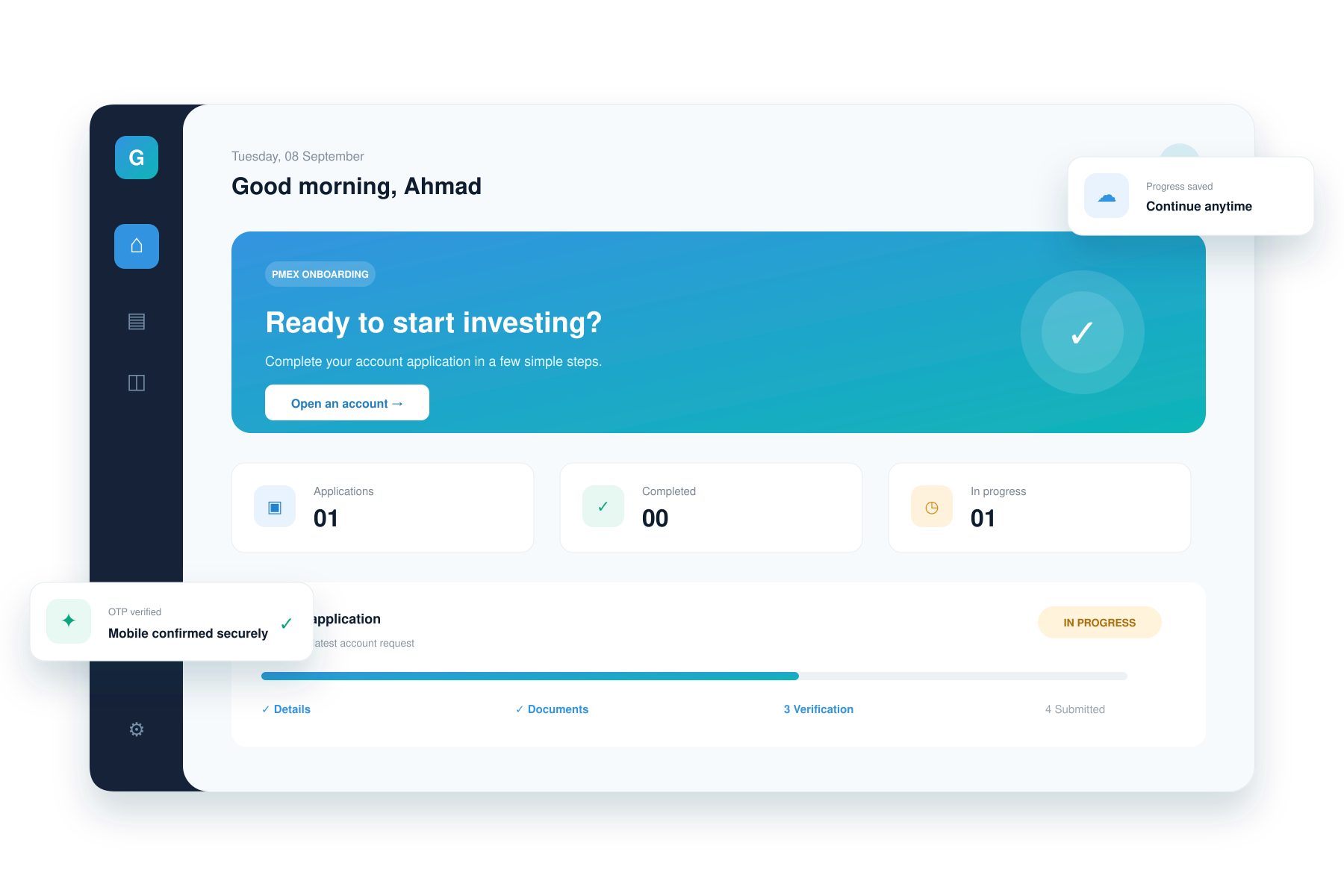
The complete solution
From first click to
account submission.
Replace paperwork and disconnected follow-ups with a guided digital flow. Your brokerage gets a branded system, while every client gets clarity at each step.
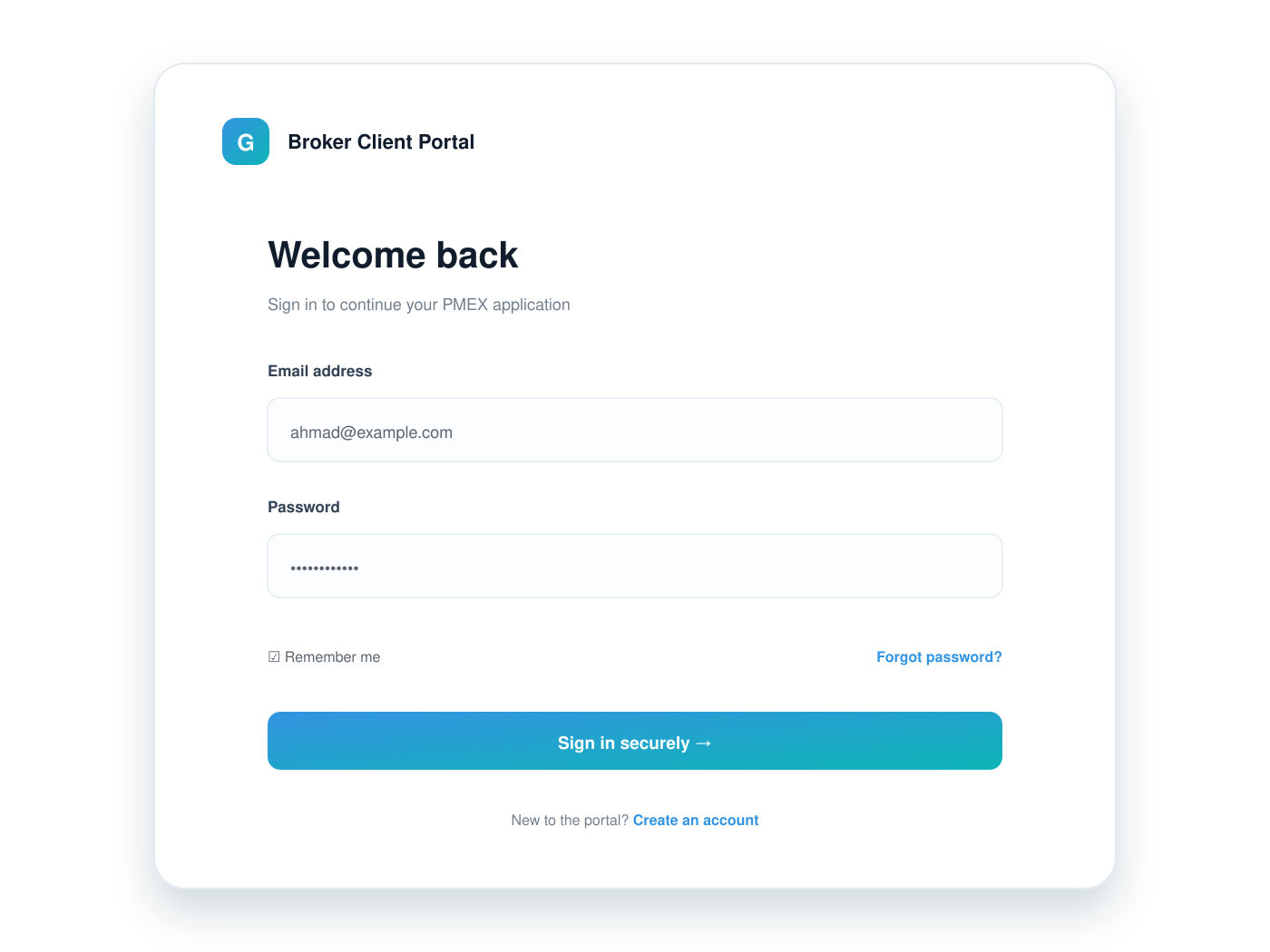
Simple signup & secure login
Clients create their own account, verify their email, and return securely whenever they need to continue.
- Email verification
- Secure password access
- Personal user dashboard
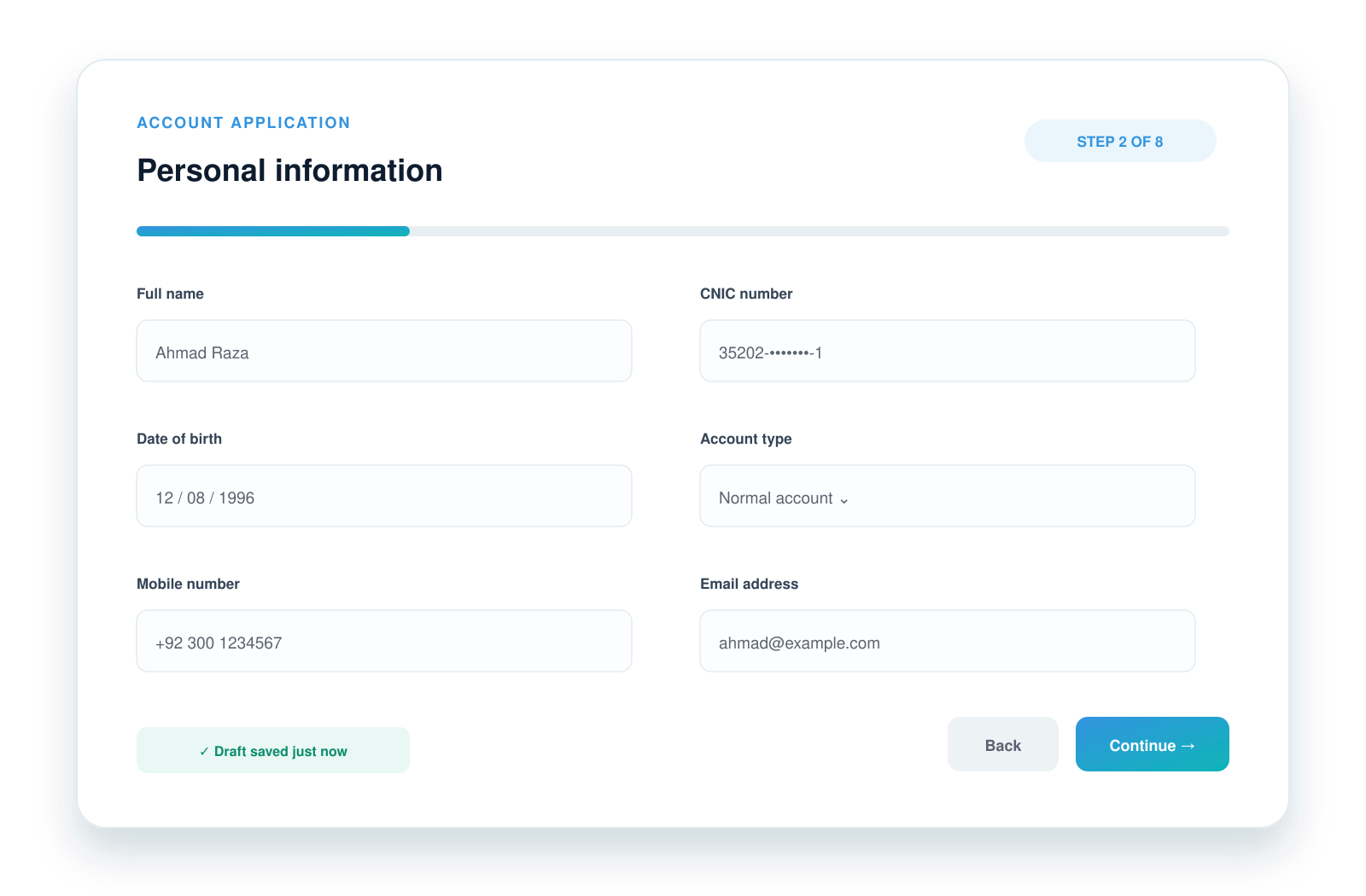
Guided multi-step form
Eight focused steps keep the process manageable, with dynamic fields that adapt to the client's answers.
- Smart conditional fields
- Clear progress indicator
- Inline validation & error guidance
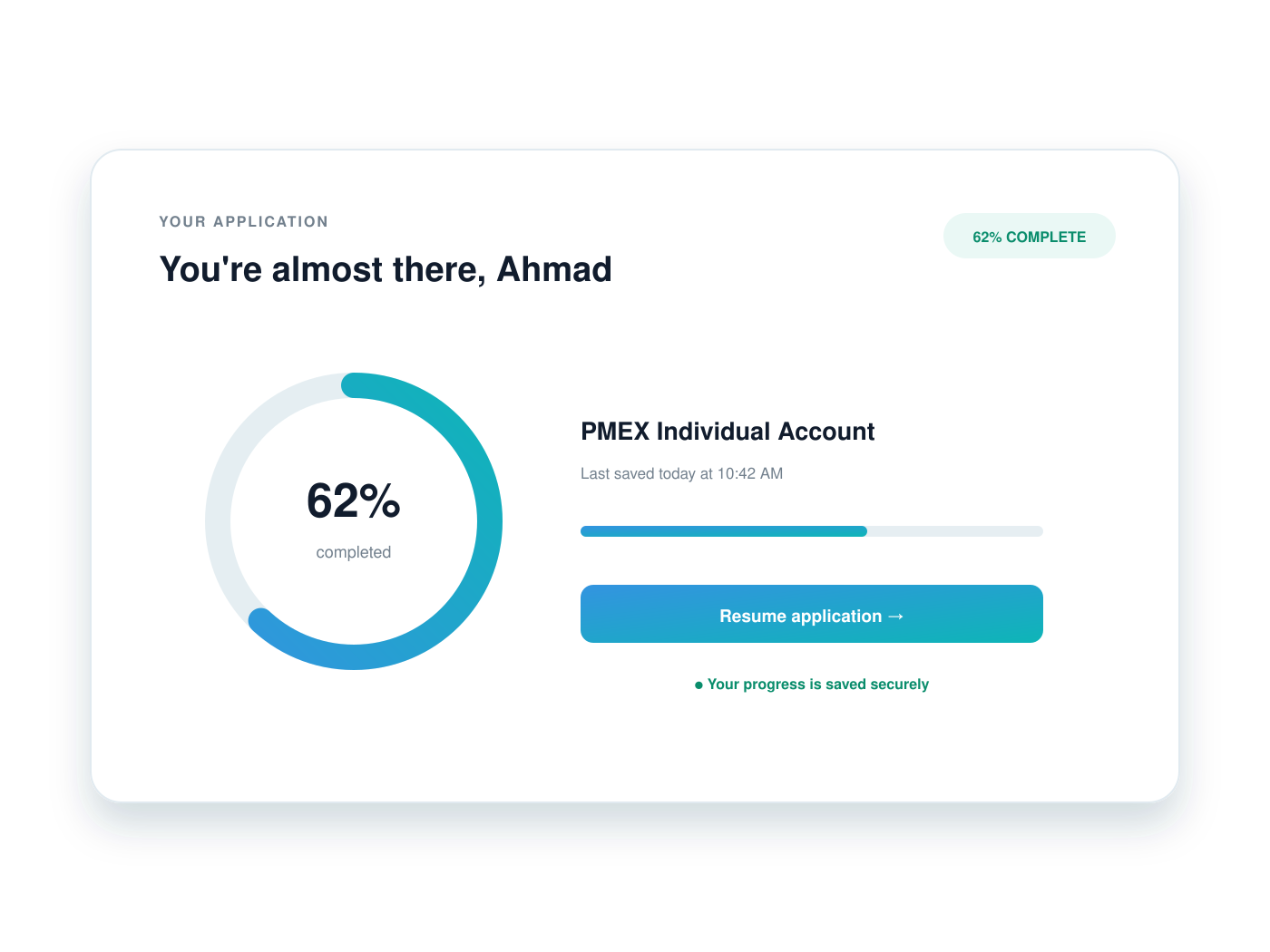
Autosave. Resume anytime.
Every completed field is preserved. An accidental refresh or interrupted session never means starting again.
- Automatic draft saving
- Continue from the last step
- No lost application data
Everything your operation needs
Advanced where it matters.
Effortless where it counts.
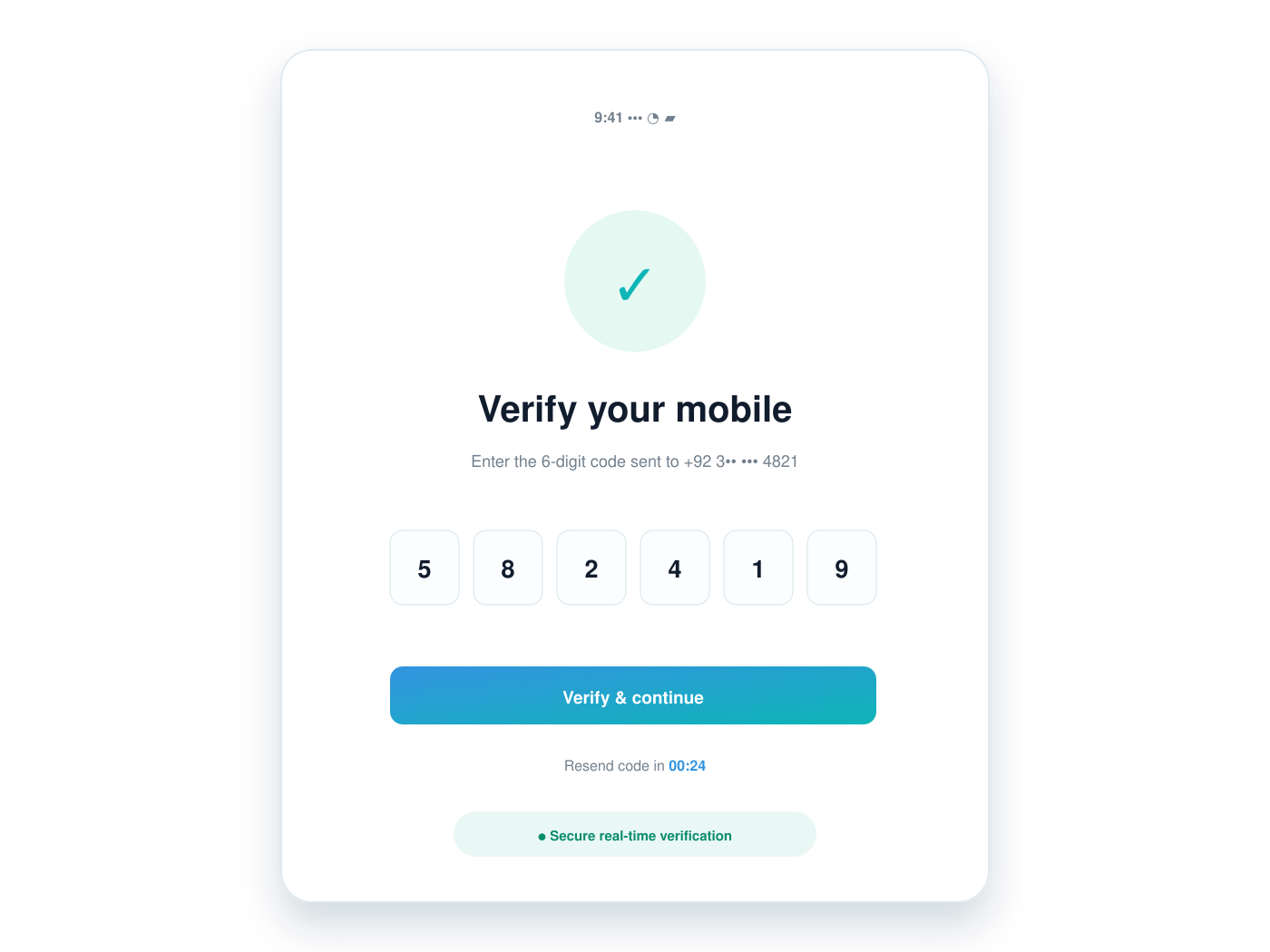
Real-time OTP verification
Clients receive and verify their mobile OTP within the account-opening journey, with clear states for sent, verified, expired, and retry.
Live application dashboard
Clients see progress and current status. Broker teams gain a clear operational view of account applications.
Smart validation
Field-level rules prevent avoidable errors before submission—from CNIC formatting to required documents and banking details.
✓ CNIC format verified
✓ IBAN structure verified
✓ IBAN structure verified
Built around the real PMEX workflow
The journey is designed to support account data submission, OTP verification, KYC processing, application status, and document tagging in a clear sequence.

Built for brokerage companies
Your clients' data deserves serious protection.
The experience is designed around secure access, controlled data handling, reliable validation, and clear audit-friendly application states.
A better account-opening experience
Give your brokerage a
digital advantage.
Launch a modern PMEX onboarding journey under your company’s brand, backed by
Golab Digital.
Frequently Asked Questions
The PMEX Online Account Opening System is a digital onboarding solution for brokerage companies. It enables clients to complete the PMEX account-opening process online through a secure, guided, and user-friendly system.
This solution is designed for PMEX brokerage companies that want to provide their clients with a modern online account-opening experience and reduce manual paperwork.
Yes. The system can be integrated with the applicable NCCPL account-opening services, including basic data submission, mobile OTP verification, KYC submission, application status checks, and document tagging.
After the client submits their initial information, an OTP can be sent to their registered mobile number through the approved service. The client enters the OTP to verify their mobile number before moving ahead in the process.
Yes. The system supports save-and-resume functionality, allowing clients to continue a partially completed account-opening form later without losing entered information.
Depending on the selected account type and requirements, clients can upload documents such as CNIC front and back images, proof of address, proof of income or employment, bank account or IBAN proof, signature, and other supporting documents.
Yes. Clients and authorized staff can view real-time application progress and account-opening status through the dashboard after submission.
Yes. The PMEX online account opening system can be customized with your brokerage branding, required fields, workflow, user roles, and dashboard requirements.
The system is designed with secure user login, email verification, OTP verification, data validation, controlled document uploads, and role-based access options to help protect client information.
Contact GoLab Digital to discuss your brokerage’s requirements. We will guide you through the onboarding process, including technical setup, credentials, IP whitelisting requirements, branding, and system deployment.